
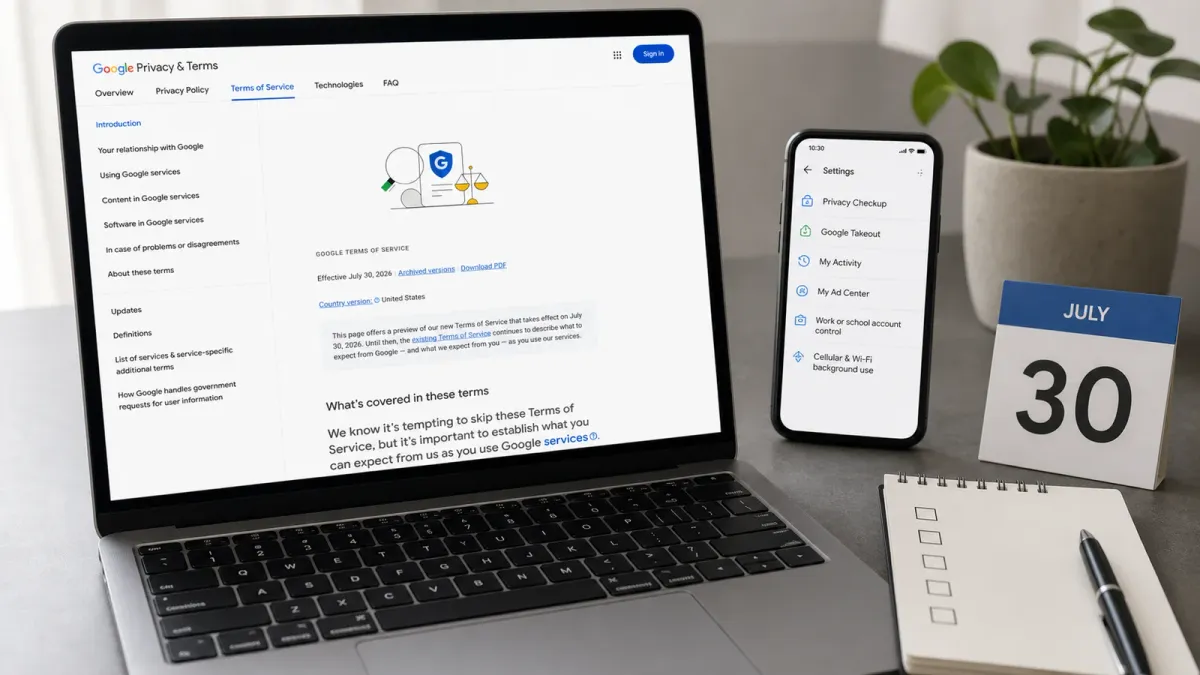
Google's updated Terms of Service take effect in the United States on July 30, 2026. For most users, the change does not require a dramatic account decision. The useful move is simpler: check the settings that control your data, your account security and the way Google services use your device before the new terms become the operating baseline.
The short answer: read the update as a prompt to audit your Google account, not as a reason to panic. Google's own terms preview says the new version covers services such as Search, Maps, Google Shopping, embedded Google services, Google Nest and Pixel devices, and content users stream or interact with. It also says people agree to the terms when they access or use Google services, whether signed in or not.
The parts worth checking are the ones that can affect daily use: service-specific rules, AI-related misuse, automated access, account control, exported data, personalized ads and background internet use that may count against a cellular or internet plan.
Do this first
- Review your account controls. Google's Privacy Policy points users to tools for reviewing, updating, exporting and deleting information. Start with Privacy Checkup, My Activity, My Ad Center and Google Takeout if you want a copy of account content.
- Check app and device settings. The updated terms include a section on cellular, Wi-Fi and other network connection costs. Google says some services may use the internet when you are not actively engaged with them, including for updates, security, user experience and advertising operations.
- Separate personal and work accounts. The terms say an organization administrator may assign a Google Account and may require additional rules or be able to access or disable that account. That matters if you mix personal files, browser profiles or devices with school or employer-managed accounts.
- Look at AI and automation rules. The update names misuse such as misleading others into thinking generative AI content was created by a human, violating machine-readable access rules, or using AI-generated content from Google services to develop machine-learning technology.
What changed
Google's archive page lists the July 30, 2026 version and provides a comparison with the May 22, 2024 terms. The comparison shows edits across abuse rules, service-specific terms, software and dispute sections, plus the added network-cost language. The point for ordinary users is not to memorize legal wording, but to notice where a setting or habit can reduce surprise.
What to check by July 30
- Export important files, photos or emails with Google Takeout if losing access would create a real problem.
- Delete old activity or set auto-delete rules in My Activity if you do not want years of search, location, YouTube or app history retained in your account.
- Review ad personalization in My Ad Center, especially if you share a device or browser profile.
- Check cellular data, background refresh and automatic update settings on phones, tablets and connected devices.
- Confirm who controls any work, school or family account before storing personal documents there.
The bottom line
This is not legal advice, and users with business, school or developer obligations should read the full terms and any service-specific rules. For everyone else, the best response is practical: know which account you are using, export anything you cannot afford to lose, tighten privacy and ad settings, and check whether Google services can use data in the background before July 30.


