
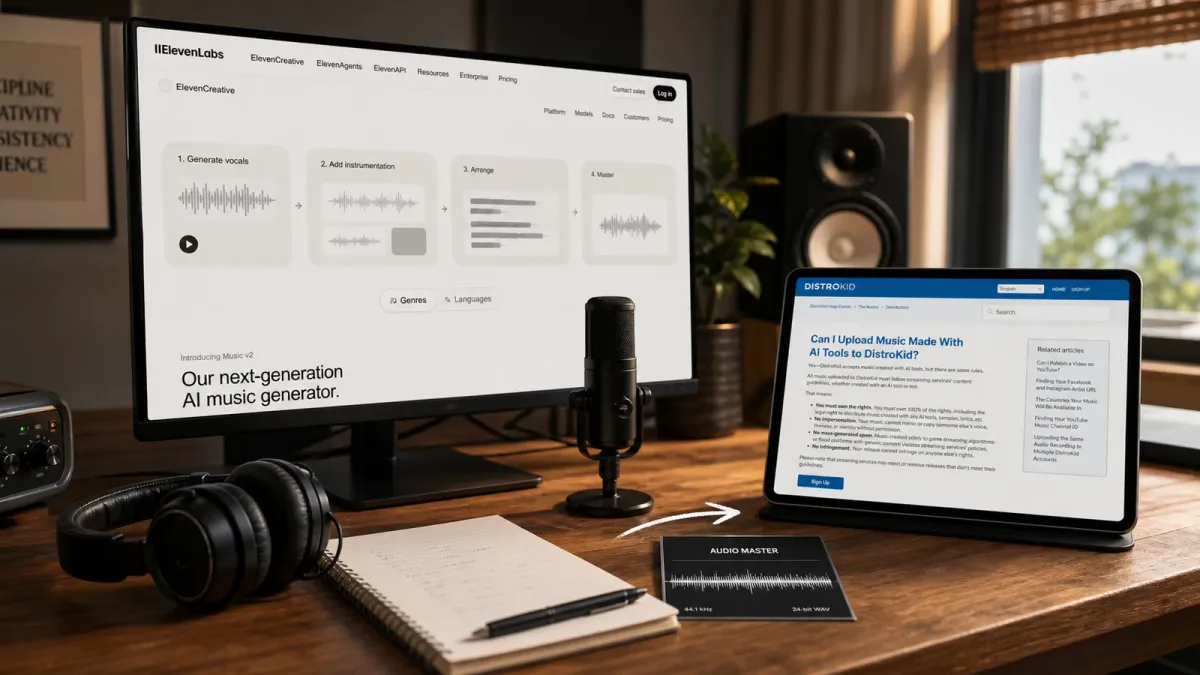
Starting a rap career no longer requires waiting for a producer, label or recording budget before testing an idea. Eleven Music can generate a beat, song structure, lyrics and vocals from a prompt, while DistroKid can deliver a finished release to major streaming services. The useful way to combine them is to treat AI as a fast creative workstation—not as a shortcut around originality, rights or the work of finding an audience.
The short answer is simple: define an artist identity, write or heavily shape an original song, use Eleven Music to build and refine the recording, document every human and licensed contribution, then upload a release-ready master and accurate metadata through DistroKid. Release one strong single first. A catalog of generic tracks is not a career.
Before generating anything, check the plan attached to your ElevenLabs account. Under the Eleven Music model terms updated May 26, 2026, streaming rights are prohibited on Free and Starter plans and included on Creator and higher plans. Commercial permission also does not guarantee copyright protection or store acceptance.
1. Build an identity before you build a beat
Write a one-page creative brief for the artist you want listeners to remember. Choose a stage name you have checked across streaming platforms and social handles. Describe your natural vocal range, subject matter, visual mood, preferred tempo range and the emotional promise of the music. “Reflective late-night rap about ambition and family pressure” gives you a direction; “make me sound like a famous rapper” does not.
That distinction is also a rules issue. ElevenLabs’ Music Terms prohibit putting artist names, songwriter names, song or album titles, substantial portions of existing lyrics, or prompts designed to mimic a recording artist into Eleven Music. DistroKid likewise bars unauthorized impersonation. Describe musical characteristics—tempo, drum texture, delivery, mood and arrangement—without naming someone whose identity you want copied.
2. Make the first song recognizably yours
Your strongest protection against disposable AI music is meaningful human authorship. Start with your own hook, verses, story and point of view. Record your own lead vocal if you can, or make substantial creative decisions about the generated vocal, structure, timing and edit. Keep dated lyric drafts, prompt versions, exported stems or mixes, session files and collaborator agreements in one project folder.
The U.S. Copyright Office says purely AI-generated material is not protected by copyright, while human-authored expression and sufficiently creative human selection, arrangement or modification can be. The answer is case-specific, so do not claim that a prompt alone gives you exclusive ownership of every element. If a release has meaningful business stakes, ask a qualified music lawyer about your exact workflow.
3. Produce the song in Eleven Music
Open Eleven Music and begin with a concise production prompt that names the ingredients rather than a celebrity reference. For example: “Original 92 BPM introspective rap track, dusty kick and snare, warm electric-piano chords, restrained sub-bass, eight-bar intro, two 16-bar verses, memorable four-line hook, close dry vocal, no ad-libs in the first verse, clean ending.” Add your own lyrics if you have them.
ElevenLabs’ prompting guidance recommends specifying mood, instrumentation and vocal delivery, then building section by section for more control. Generate a short foundation first. Refine the intro, verse, hook and outro separately; use include and exclude styles to remove unwanted elements; and regenerate only the weak section instead of replacing a take that already works.
- Listen for identity: Does the hook sound like something only this artist would say?
- Check the writing: Replace filler bars, clichés and invented facts with lived details.
- Check the recording: Fix clipped words, awkward stresses, muddy low end and abrupt transitions.
- Check similarity: Stop if the voice, melody or phrasing is confusingly close to an existing artist or song.
4. Finish a release-ready master
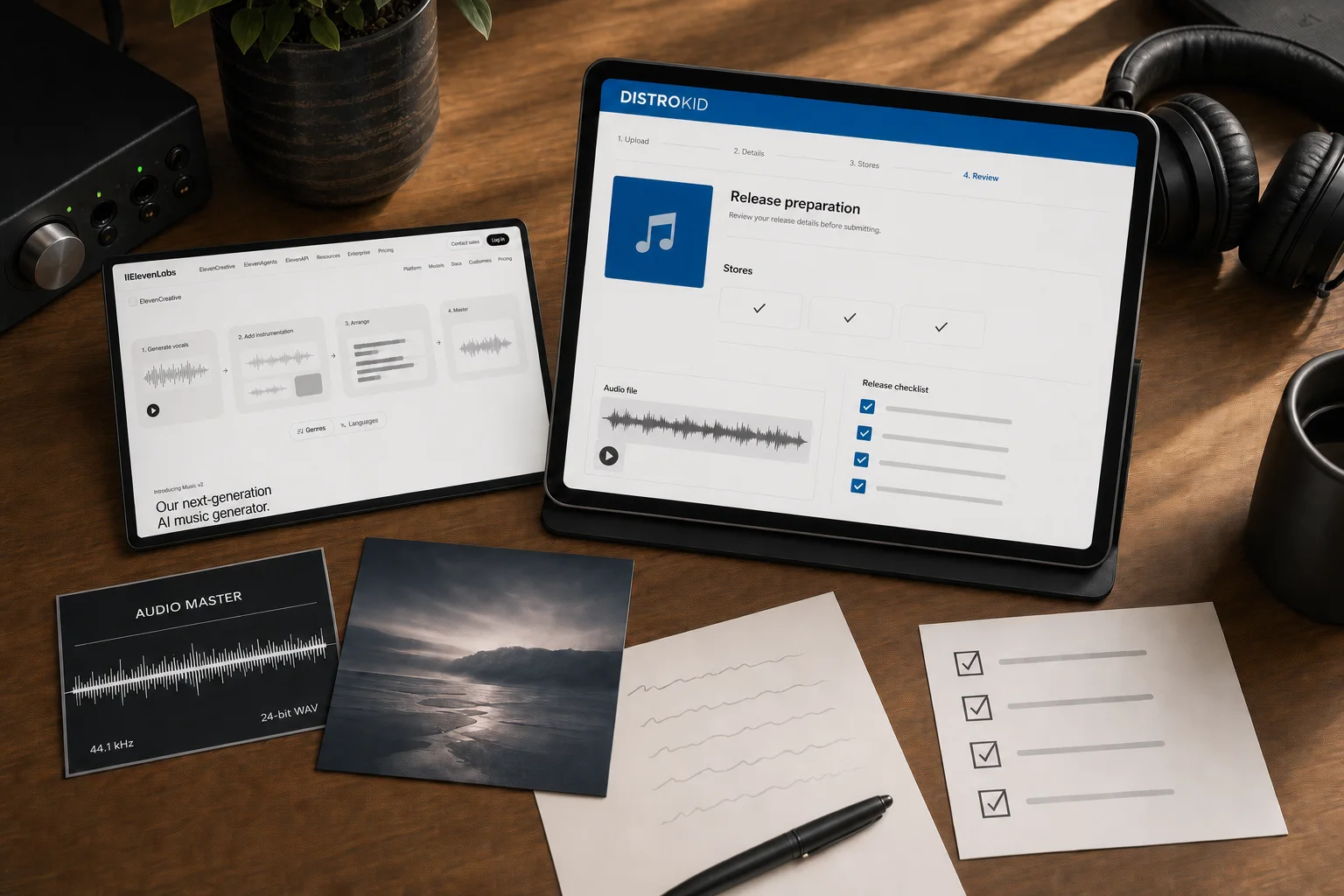
Download the highest-quality version your eligible plan provides, then finish the track in a digital audio workstation if possible. Trim silence, balance the vocal against the beat, control harsh sibilance and compare the mix on headphones, phone speakers and a car system. Do not solve every problem by making the track louder. Export a clean lossless master—WAV or FLAC are DistroKid’s recommended formats—and save a separate instrumental, clean version and lyric sheet when relevant.
Clear every outside contribution before release. That includes samples, purchased beats, collaborator performances, cover artwork, fonts and any cloned voice. A “royalty-free” label does not automatically mean unlimited distribution rights. Read the license and keep the receipt or written permission.
5. Upload accurately through DistroKid
DistroKid’s upload form asks for the audio, square artwork, artist and track information, songwriter and collaborator names, release date, genre and explicit-content status. Its AI music policy requires you to own 100% of the necessary rights, forbids unauthorized impersonation and infringement, and rejects mass-generated spam intended to game streaming systems.
Answer the AI-credit questions honestly. DistroKid says to disclose AI-generated lyrics, composition, vocals or instrumental audio, and to identify whether all or only part of the audio is generated. Add real songwriter and producer credits. Mark explicit lyrics accurately. Use original cover art that meets the service’s square-image requirements; do not place another artist’s name, streaming logo or misleading endorsement on it.
If you want a coordinated launch, choose a future date where your DistroKid plan allows it. DistroKid recommends uploading about four weeks ahead so services can process the release, and its guidance suggests at least three weeks when you want time to pitch an eligible unreleased song to Spotify editors. Double-check artist-page mapping before the date arrives.
6. Treat the release as the start, not the finish
DistroKid automatically creates a HyperFollow page that can collect Spotify pre-saves and later update with links to other services. Use that single URL in a small campaign: announce the song’s story, share one behind-the-scenes clip, post a clean performance excerpt and invite listeners to react to a specific lyric or theme. Do not buy streams or use engagement schemes.
For the first 30 days, track saves, repeat listeners, completion, comments and which short clip sends real people to the song. Those signals are more useful than an inflated play count. Ask five listeners what line they remembered and where attention dropped. Use the answers to improve the next single.
Do this first
- Choose an original artist name and a specific creative point of view.
- Confirm your Eleven Music plan includes streaming rights before generating the final track.
- Write original lyrics and keep a record of prompts, edits, licenses and collaborators.
- Finish one well-mixed single, cover image and complete metadata package.
- Upload early, disclose AI contributions, build a HyperFollow campaign and learn from real listener behavior.
ElevenLabs can accelerate production and DistroKid can open the distribution door, but neither can supply the part audiences follow: a distinct voice, repeated craft and a reason to care about the next song. Build those one release at a time.


