
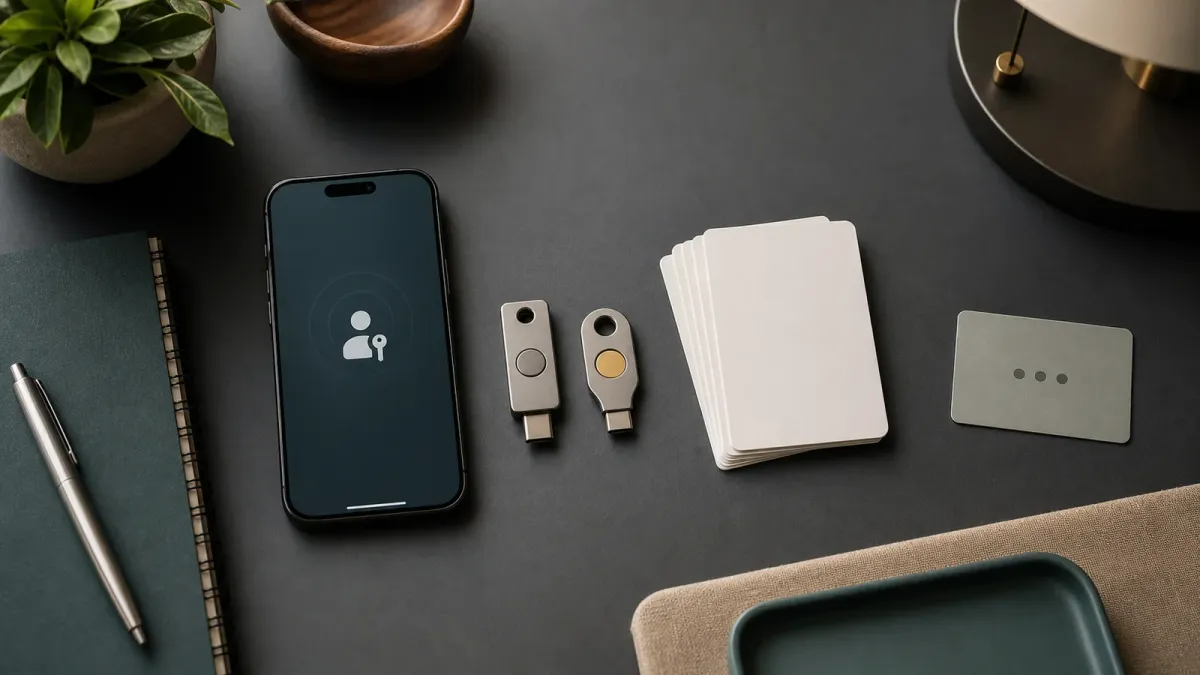
Passkeys are moving from security buzzword to ordinary account setup. Microsoft said on July 13, 2026, that passkeys will become the default authentication experience for Microsoft Entra ID public-cloud tenants beginning September 1, 2026, with Microsoft-provided SMS and voice authentication retiring on February 1, 2027. Even if that specific deadline does not apply to your personal accounts, the direction is clear: more logins will ask you to use a device unlock, fingerprint, face scan, PIN, or hardware key instead of a texted code.
The short version: use passkeys where they are offered, but do not treat setup as a one-click chore. The safer path is to know where the passkey is stored, how you would recover the account, and what backup method remains if your phone, laptop, or hardware key is lost.
Do this first
- Start with your highest-risk accounts. Email, banking, cloud storage, work identity, password managers, and primary social accounts should move first because they unlock other accounts.
- Keep at least two ways back in. If a service allows it, register a second trusted device, a hardware security key, or recovery codes before removing older methods.
- Check whether the passkey is synced or device-bound. Synced passkeys can move through a platform credential manager. Device-bound passkeys stay on one device or hardware key and may be better for work or high-risk accounts.
- Retire SMS gradually. Text codes are better than no second factor, but they can be phished, intercepted, or disrupted by SIM-swap attacks. Move away from them once your passkey and recovery path are tested.
Check these details
A passkey is not a password you memorize. The FIDO Alliance describes it as a cryptographic credential tied to a website or app account. Your device keeps the private key; the service keeps the public key; sign-in works only when your device approves the challenge for the real site. That is why passkeys are considered phishing-resistant in a way ordinary passwords and one-time text codes are not.
That does not mean recovery can be ignored. NIST guidance for synced authenticators points to the recovery system as a place that needs strong controls, because access to the cloud account that syncs keys may become the weak link. Before switching, make sure the account that stores your passkeys has strong MFA of its own, updated recovery information, and no stale phone numbers or unknown devices.
Common mistakes
The biggest mistake is deleting every older method before you have tested the new one. Sign out on one browser, sign back in with the passkey, and confirm you can still reach recovery settings. Another mistake is assuming biometrics are sent to every website. In normal passkey flows, your fingerprint or face unlocks the local device credential; the site receives cryptographic proof, not your biometric scan.
When to get help
For work accounts, follow your administrator's rollout instructions, especially if your company still has users on SMS or voice MFA. For personal accounts, use the account provider's official security settings and recovery pages. If an account protects money, medical records, tax documents, or business access, set up a backup before turning anything off.


