
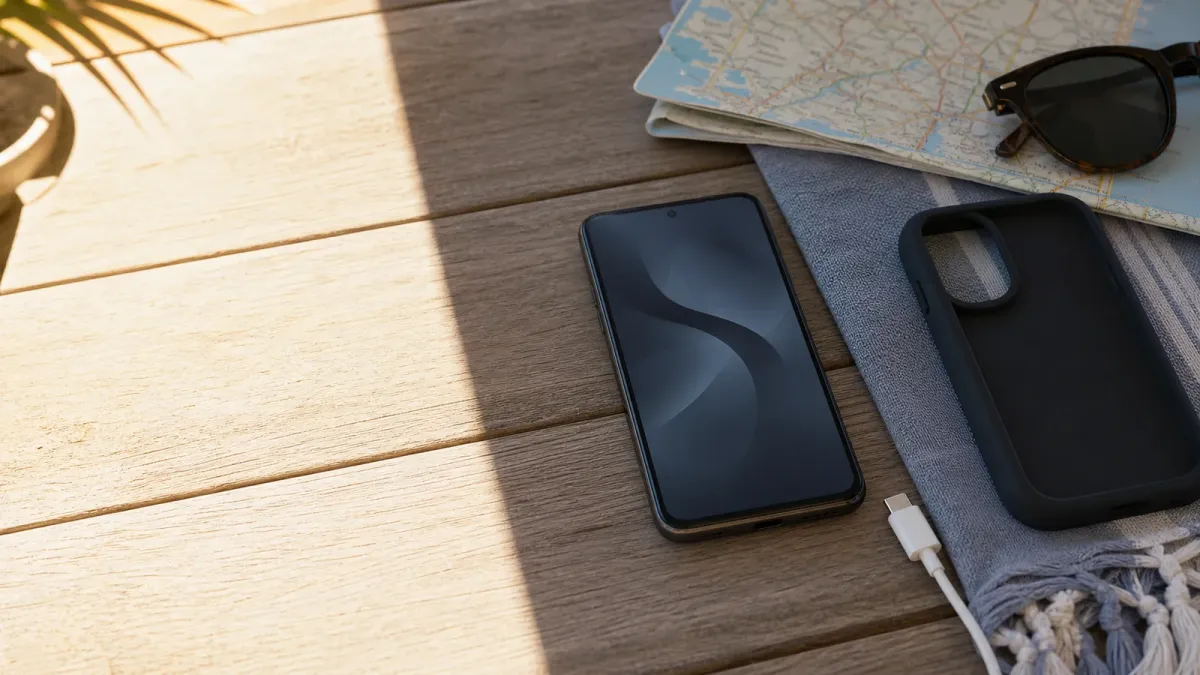
A phone that suddenly dims, stops charging or flashes a temperature warning is doing what it is supposed to do: protecting its battery and internal parts. With July heat alerts still affecting parts of the United States, that warning can show up faster when a device is charging, navigating, streaming or sitting in direct sun.
The fix is usually not a mystery setting. Apple says iPhone and iPad are designed for ambient temperatures from 32°F to 95°F, and Samsung gives the same normal operating range for Galaxy devices. Both companies point to the same core risks: hot cars, direct sunlight, heavy apps, GPS navigation, gaming, video, wireless charging and incompatible or damaged chargers.
The practical move is to reduce heat from both directions: stop adding processor and charging heat, then move the device somewhere cooler without shocking it.
The short answer
If the phone is already hot, unplug it, stop navigation or gaming, close heavy apps, remove the case and put it in shade or an air-conditioned room. If a temperature warning appears, turn the phone off and let it cool before using it again. Do not put it in a refrigerator or freezer; rapid cooling can create moisture problems and add a new kind of damage risk.
Do this first
- Get it out of the sun. A dashboard, beach towel, patio table or windowsill can turn a dark glass screen into a heat trap.
- Unplug the charger. Charging creates heat, and wireless charging can add more. Resume only after the phone feels normal.
- Remove the case. Thick cases can slow heat dissipation, especially while charging or using maps.
- Stop the heavy task. End long camera recording, 3D games, hotspot use, high-quality video streaming or GPS navigation if you can safely pause.
- Dim the screen and cut radios you do not need. Lower brightness, turn off Bluetooth or GPS when not needed, and use low-power mode if available.
Check these details
Heat problems are often cumulative. A phone may be fine with maps in an air-conditioned car, or fine with charging indoors, but overheat when it is charging, navigating and sitting in sun at the same time. Weak signal can also make a phone work harder because it keeps trying to maintain a connection.
If overheating happens mostly while charging, check the cable, power brick and charging surface. Samsung advises using approved charging gear and placing wireless chargers on a hard, flat surface without metal or magnetic material between the device and charger.
Common mistakes
Do not keep tapping through a warning just because the phone still works. Apple notes that an overheated iPhone may slow charging, dim the display, weaken cellular radios, disable camera flash or reduce app performance. Samsung says an overheated phone may close apps, pause charging, dim the screen or power off to prevent damage.
Also avoid sealing a hot phone inside a bag with a power bank. That keeps the charger heat, battery heat and poor airflow in the same small space.
When to get help
One hot afternoon does not mean the phone is broken. Repeated overheating in normal indoor conditions, swelling, odor, visible damage, a charger that gets unusually hot, or a device that remains too warm to touch after cooling should be handled by the manufacturer or a repair professional. For heat alerts affecting people, check National Weather Service guidance and prioritize your own cooling plan first; a phone can wait.
Sources: Apple Support, Samsung Support, National Weather Service heat alerts and Associated Press heat coverage.


