
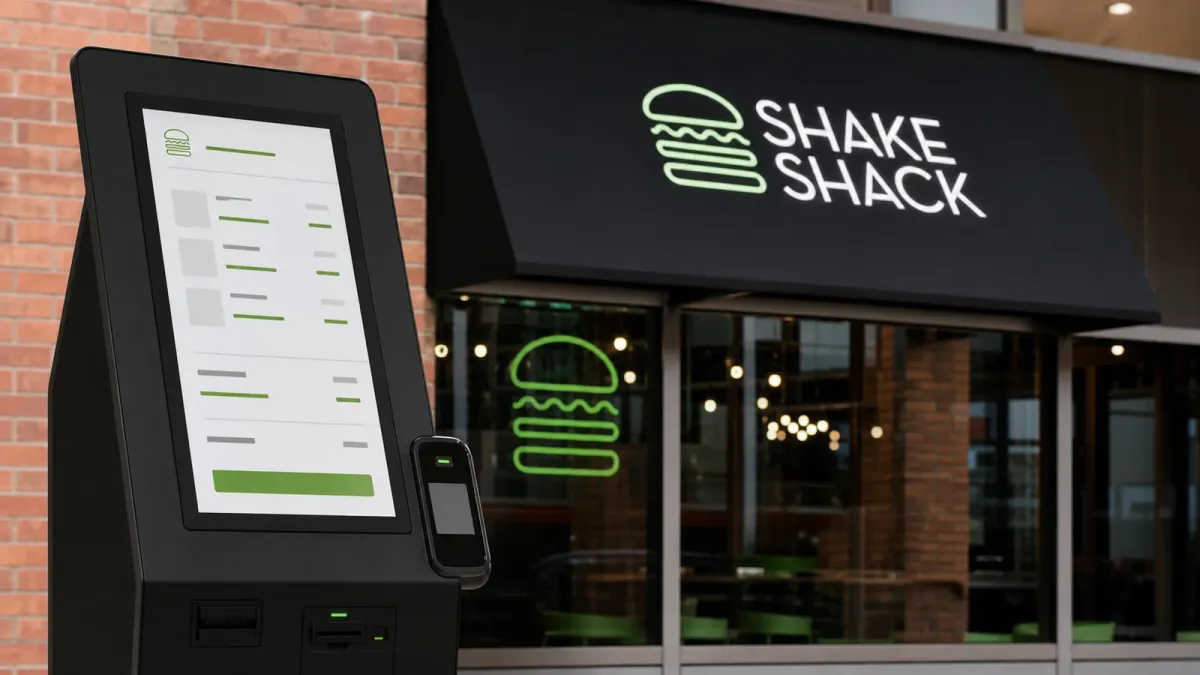
Shake Shack says a viral video showing prices jump after a customer selected no tip at a self-service kiosk was caused by a technology error, not by a policy to penalize customers who decline gratuities.
The company posted an official statement on August 10, 2026, after a guest video from an airport Shake Shack location spread across social media. The restaurant was owned and operated by HMSHost, a licensee, according to Shake Shack.
The useful takeaway for customers is narrow but practical: before tapping a card or phone at any kiosk, check the item prices and final total after every prompt, including tip screens, loyalty prompts and late cart updates.
What Shake Shack says happened
In its statement, Shake Shack said HMSHost investigated and determined that the price change came from an error in kiosk technology that was unrelated to tipping. The company also said the issue had been resolved.
Fox News reported on August 11 that the customer video showed three Classic Shakes rising by 50 cents each after the no-tip selection. People also reported that the video was posted on August 8 and had drawn more than 4 million views.
Those details matter because they separate two questions that can easily blur online. One is whether the video showed a real cart-total change. The other is whether the change reflected an intentional no-tip surcharge. Shake Shack's public answer is that it was a location-specific technology error, not standard company or licensee policy.
Why the incident traveled so fast
The story landed in the middle of a bigger consumer frustration: more checkout screens now ask for tips in places where customers may not expect them, including counter-service restaurants, delivery apps and self-service kiosks. Airport locations can add another layer of confusion because pricing and operations may differ from a company's standard restaurant footprint.
That does not mean every confusing price change is a hidden fee. Kiosk totals can change for mundane reasons, including item edits, local taxes, airport pricing, promotions, timed menu changes, service charges or software mistakes. But the burden still falls on the customer to catch the change before payment.
What to check before paying
At a kiosk, look for three numbers before you approve the charge: the per-item price, the subtotal before tax and fees, and the final total after the tip prompt. If any number changes unexpectedly, take a photo of the cart screen, cancel the order if possible and ask an employee to explain the difference before paying.
If the charge has already gone through, save the receipt and contact the restaurant or card issuer quickly. For a small overcharge, the fastest fix is often the local operator or brand customer-service channel. For a pattern of unexplained fees, a state attorney general or consumer-protection office may be the right next stop.
The bottom line is not that every tip screen is a trap. It is that automated checkout has made the final review step more important. The most consumer-friendly answer is also the simplest one: the price shown before the tip prompt should still match the price a customer sees before paying.


