
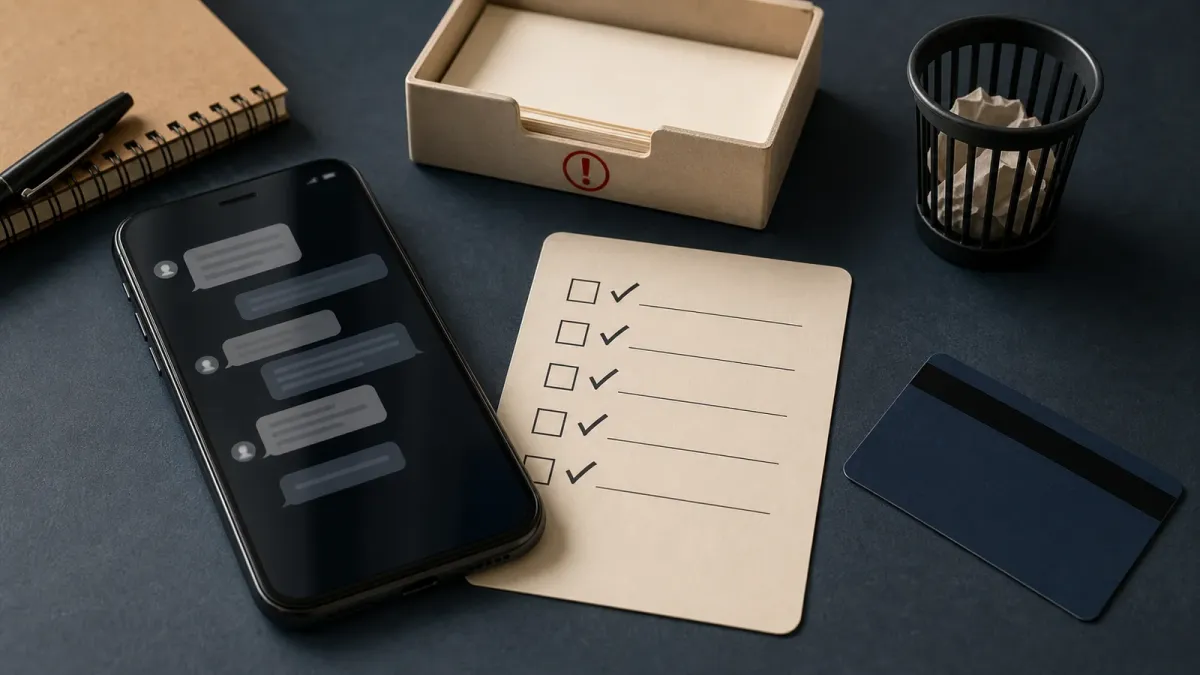
Spam texts are not just clutter. The Federal Trade Commission said in an April 2025 Data Spotlight that people reported $470 million in losses to scams that started with text messages in 2024, more than five times the amount reported in 2020.
The problem is current, too. In a May 21, 2026 consumer alert, the FTC said last year's fraud reports showed more people reporting that a scammer contacted them by text than any other way. That does not mean every strange message is dangerous, but it does mean the safe response should be boring and repeatable.
The short answer
If a text arrives unexpectedly and asks you to tap a link, reply with personal details, call a number in the message or pay right away, stop. Do not use the link or number in the text. Go to the company, bank, delivery service, toll agency or government office through an app, bookmark, bill, card or website you already know is real.
Do this first
- Do not tap the link. The FTC warns that spoofed sites can steal usernames, passwords, account numbers or Social Security numbers, and some links can install malware.
- Do not reply to prove you are annoyed. A reply can confirm that your number is active.
- Check through a known route. Open the official app or type the real website yourself. For financial accounts, the FBI recommends using bookmarks or favorites instead of search ads or unsolicited links.
- Report the text. Forward unwanted texts to 7726, use your messaging app's report-junk option, and report fraud attempts to ReportFraud.ftc.gov.
- Delete it after reporting. Keeping the message around makes it easier to tap later by mistake.
Check your phone settings
Spam tools now do more of the first sort. Apple says iOS 26 filters detected junk messages into a Spam folder by default, and a message in that folder cannot be answered or opened through links until it is moved back to the inbox. Apple also offers a separate Unknown Senders filter for texts from numbers you have not interacted with.
On Android, Google Messages lets users block a conversation and review the Spam & blocked folder. The exact menus vary by phone, carrier and app version, so the useful habit is to look for three controls: report, block and filter unknown senders.
Common mistakes
Do not assume a message is safe because it mentions a real order, bank, package, toll road or government agency. Scammers often borrow familiar names because they want the first second of recognition. Also be careful with urgent wording: account locked, final notice, unpaid fee, suspicious activity, refund available and delivery failed are all useful to scammers because they create a fast reaction.
When to get help
If you entered a password, payment card, bank login, one-time code or Social Security number, act as if the account may be exposed. Change the password from a clean route, turn on multifactor authentication where available, contact the financial institution if money may be at risk, and file reports with the FTC or FBI's Internet Crime Complaint Center when fraud or account takeover is involved.
The bottom line: treat unexpected texts as prompts to verify, not prompts to act. A 30-second pause is usually enough to move the decision out of the scammer's script.


