
Artificial intelligence is becoming normal workplace equipment, but simply opening a chatbot is not the same as getting useful work done. Gallup reported on July 20, 2026, that 47% of U.S. employees say their organization has integrated AI tools, up from 41% in the first quarter. More than half of workers, 52%, now use AI in their role.
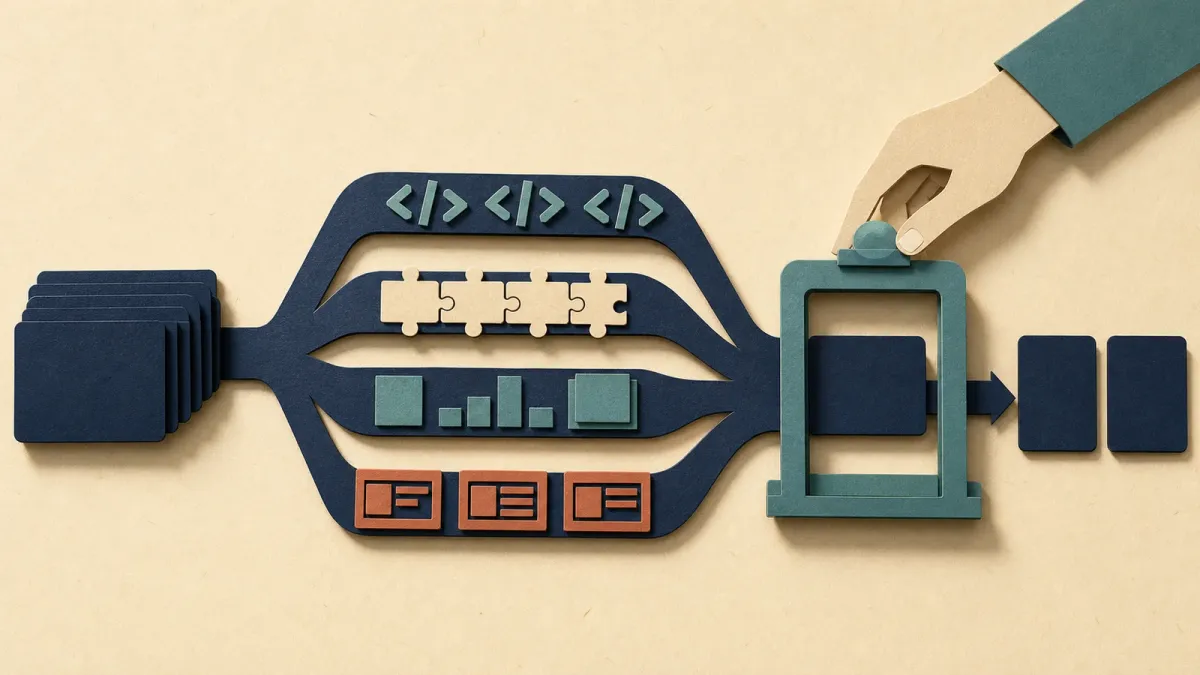
The more important finding is about task choice. Workers reported the strongest productivity gains when AI was connected to a specific job function, such as coding, process automation, analytics or presentation creation. Broad writing and research uses were still viewed positively, but not as strongly.
The practical rule is simple: give AI a bounded task, a quality standard and a human checkpoint. Use it to produce an inspectable draft or transformation, not to make an unreviewed decision or to replace the judgment attached to your name.
What the latest numbers show
Gallup's Q2 survey found that writing and editing was the most common workplace AI use, cited by 51% of AI users. Search or research followed at 49%, and general assistance or problem-solving at 39%. Those are easy entry points because they work across many jobs.
But the highest reported productivity ratings came from narrower applications. Seventy-seven percent of workers using AI for coding assistance said it had an extremely or somewhat positive effect on productivity. The same share said that about automation or process automation. Presentation creation reached 76%, and data science or analytics reached 75%. Writing and editing came in at 68%, while search or research reached 65%.
Those results are associations, not proof that adding more AI tools will automatically make a person more productive. Gallup explicitly cautioned that employees who already see value in AI may be more likely to use it in several ways. Jobs also differ in how many tasks can be safely delegated or accelerated.
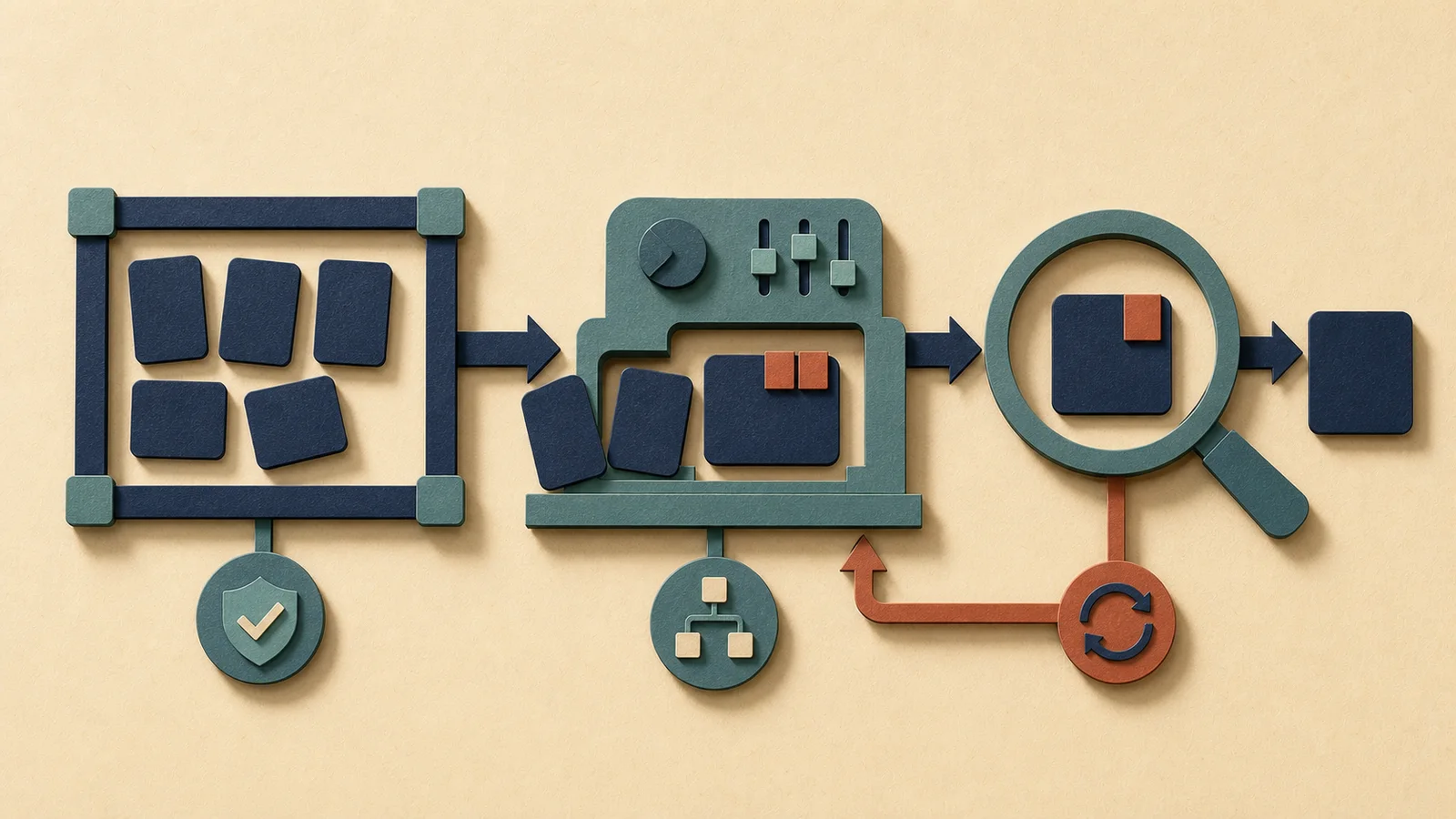
Use a three-stage loop: frame, generate, verify
Frame the task. Start with a deliverable you can describe and inspect: turn these approved notes into a five-point outline, compare these two policy drafts against a supplied checklist, convert this table into a chart specification, or propose test cases for this function. Name the audience, required inputs, format and boundaries. A vague request such as “improve this” makes both the output and the review harder.
Generate a draft, not a verdict. Ask the tool to show assumptions, uncertainties or missing information. For research, require links back to original sources and open those sources yourself. For analysis, keep the input data and calculations available so another person can reproduce the result. For writing, treat the response as raw material that still needs factual, legal, brand and tone review.
Verify before the work travels. Check names, dates, calculations, citations and claims against authoritative material. Then ask whether the output actually saves time for the next person. A polished memo that forces a colleague to reconstruct its evidence is not productivity; it is transferred cleanup.
Choose work with a clear finish line
A good first use has a known input, a reversible output and a visible definition of done. Examples include reformatting approved material, extracting action items from a meeting transcript, drafting test coverage, generating variations for a presentation layout, classifying already-authorized records, or summarizing documents that the user is permitted to process.
A poor first use carries hidden stakes or cannot be checked cheaply. Do not put confidential company information, customer data, personal records, private source code or regulated material into an unapproved tool. Do not let a model make final hiring, performance, medical, legal, credit or safety decisions. Follow the employer's policy and use only authorized systems.
The risk is not just an incorrect answer
Low-quality AI output can create work for everyone downstream. In a June 2026 survey of more than 5,000 workers, the Society for Human Resource Management found that 41% used AI at work and 44% of those users described some of their own output as “AI slop.” SHRM also found that 45% of entry-level and early-career workers felt pressure to adopt AI tools.
That pressure can reward visible use instead of useful results. Managers can reduce the problem by defining approved tasks, tools, data rules and review ownership. Teams should measure elapsed time, error rate, rework and the burden placed on the recipient—not just the number of prompts or documents produced.
Research also suggests that the effect is uneven. A widely cited National Bureau of Economic Research study of 5,179 customer-support agents found that access to a generative AI assistant raised productivity on average, with the biggest gains among less experienced and lower-skilled workers. A 2026 International Labour Organization review concluded that the evidence shows opportunities for productivity and job quality alongside risks involving work intensity, autonomy, privacy and uneven outcomes.
A 10-minute test before you scale
- Pick one repetitive task you already understand well.
- Write the expected output and the checks a human must perform.
- Run the task once with AI and once using the normal process.
- Compare total time, corrections and downstream questions.
- Keep the use only if it improves the whole workflow, not merely the first draft.
This small comparison creates a baseline and exposes whether the tool is saving labor or moving it. If the AI version is faster but needs more correction, narrow the request, improve the source material or choose a different task.
Bottom line
AI use at work is growing faster than many organizations' rules and habits. Gallup's new data suggests the best returns come when employees move beyond generic prompting and connect AI to specific, testable work. The winning habit is not “use AI everywhere.” It is “choose a bounded task, protect the data and verify the result.”


